
If your phone dies before bedtime, small daily changes can help a lot. This guide shows how to extend your phone battery life step by step. Most phones lose power to the same few causes each day. You will learn how to spot those causes and fix them fast.
You do not need a new phone or a paid app to start. You need a short check, a few setting changes, and calmer charging habits. Work through the steps in order, and keep only the changes that suit your day.
How to Extend Your Phone Battery Life Each Day
You can extend your phone battery life by cutting screen demand and background work. Start with brightness, screen timeout, and app refresh, since these drain power all day. Then fix charging heat and use power saving mode on long days away from a charger.
Think of battery care in two parts, not one. Daily settings decide how long one charge lasts for you. Charging habits decide how well the battery holds charge over months. Both matter, and both are easy to change at home.
- Lower brightness to a level that still feels easy to read.
- Set a short screen timeout so the screen sleeps fast.
- Turn off background refresh for apps you rarely open.
- Use power saving mode before a long day out.
At a Glance: Check battery usage first, then change only the top drains. Cut screen brightness, timeout, and refresh rate where you can. Limit background refresh, location access, and idle radios while you charge in a cool place.
Check What Uses Power Before You Change Settings
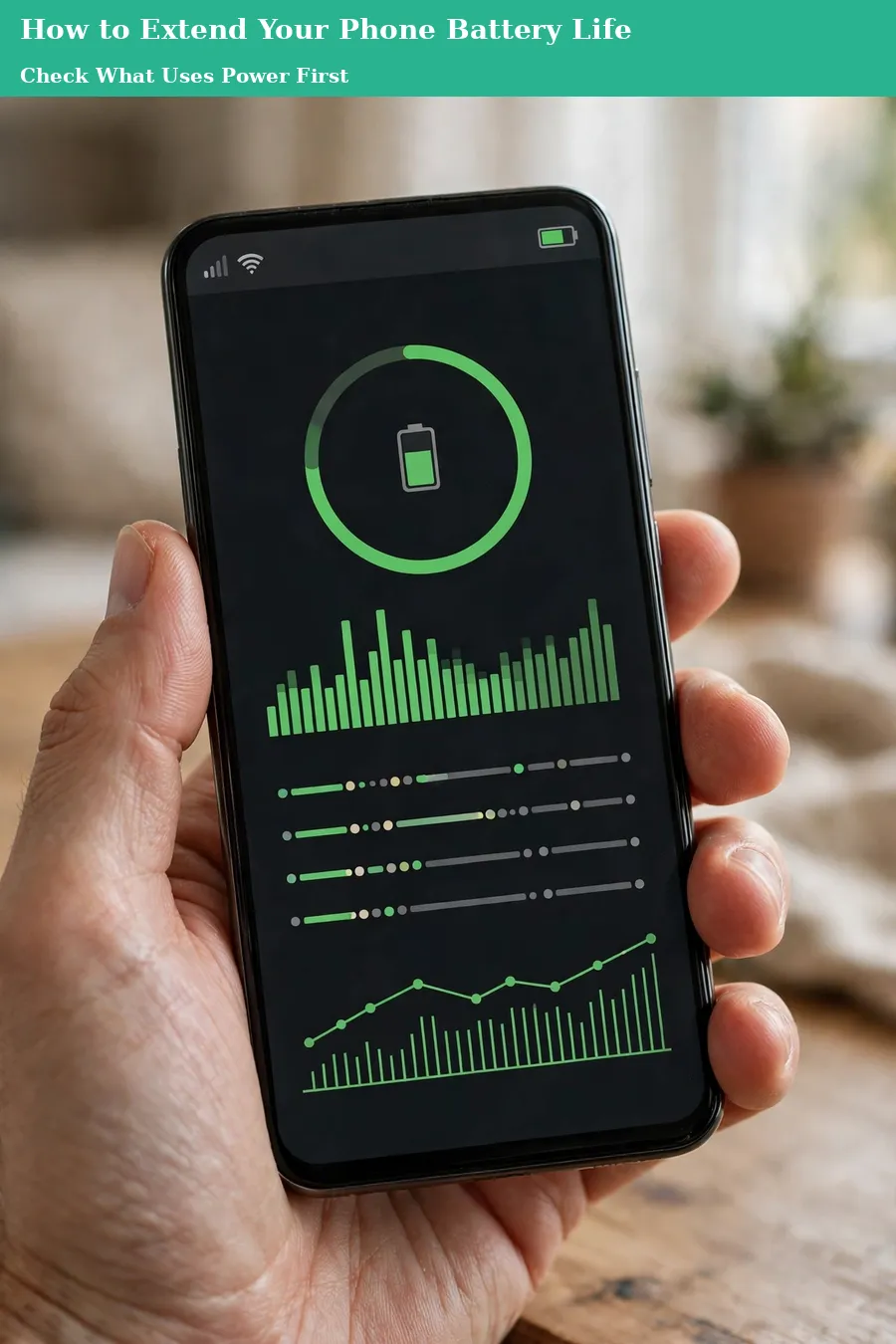
Open your battery settings and look at usage by app and activity. This guide to how to extend your phone battery life starts here for one plain reason. You should fix the real drain, not guess at a setting that barely matters.
Look for one app that stands out far above the rest. A social app, a game, or a video app can use power in the background. A maps app can also use power if location stays on after a trip ends.
Note the pattern across two or three days, not just one odd day. One heavy day may come from travel, poor signal, or a long video call. A repeat drain across days points to a setting worth changing for good.
- Open Settings, then Battery, then Battery Usage on your phone.
- Sort by the last day and note the top three apps.
- Change one setting for the top app, then check again tomorrow.
Screen Settings That Save Power Fast
Your screen is often the largest single drain on a phone. Brightness, timeout, and refresh rate all add up through the day. Small cuts here can add real time to one charge.
Use automatic brightness where your phone offers it well. It lowers the screen indoors and raises it only in bright light. If automatic brightness feels jumpy, set a fixed level that still reads well indoors.
- Set screen timeout to 30 seconds or one minute.
- Use dark mode on phones with an OLED screen.
- Lower refresh rate if your phone lets you choose it.
- Turn off always on display if you rarely glance at it.
A short timeout helps most when you check your phone in quick bursts. Each glance leaves the screen on after you look away. A fast sleep stops that idle drain without changing how you use apps.
Tame Apps, Location and Radios
Apps can work while you do other things, and that work costs power. Background refresh, sync, and location checks run even when the app stays closed. A short review can cut this hidden drain a lot.
Keep background refresh on for mail, messages, and maps if you need them fast. Turn it off for games, shopping apps, and social apps you open by hand. You will still see new posts when you open each app yourself.
Set location access to While Using for most apps on your phone. Keep Always access only for apps that must track you, such as family safety apps. Turn off Bluetooth, Wi-Fi, and hotspot when you do not need them that hour.
- Turn off push alerts for apps that wake your screen often.
- Close video apps fully after long viewing sessions end.
- Use Wi-Fi at home instead of mobile data where you can.
- Switch on aeroplane mode in a dead signal zone for a while.
Charging Habits That Protect Battery Health
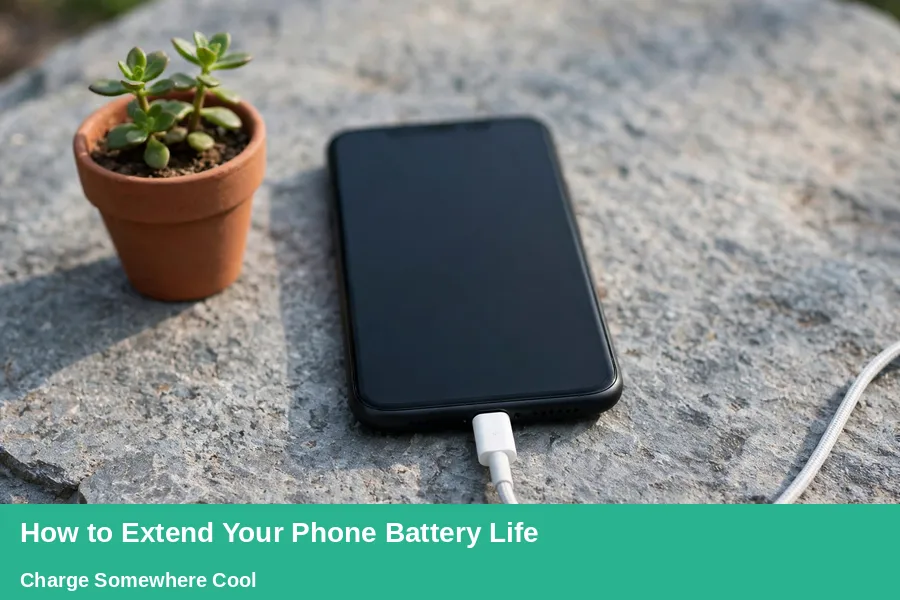
Phone battery health fades with age, heat, and time spent at full charge. A calm routine for how to extend your phone battery life starts with heat control. You cannot stop age, but you can slow the wear from heat and charging habits. The steps below are simple, and they fit most daily routines well.
Use optimised charging or adaptive charging where your phone offers it. These tools learn your routine and slow charging near full charge overnight. They cut the hours a battery spends hot and full, which helps over months.
| Charging habit | What to do | Why it helps |
|---|---|---|
| Overnight charge | Leave optimised charging switched on | It slows the last part of the charge |
| Top up charge | Plug in for a short top up | It avoids a deep drain to zero |
| Travel charge | Charge to full before a long trip | It gives you full runtime when you need it |
| Hot charge | Move the phone to a cool spot | It keeps heat away from the battery |
Apple explains how lithium-ion batteries age and why heat and charge patterns matter for them. The same plain logic applies to most modern phones, whatever brand you use. Read it once, then pick one habit from this section to keep.
Heat, Cases and Long Travel Days
Heat is the quiet enemy of a phone battery over time. A phone left in sun, on a car dashboard, or under bedding can warm up fast. Charging while hot adds more heat, so move the phone first.
Take a thick case off if the phone feels warm while it charges. A case can trap heat, and trapped heat stays near the battery for hours. Put the phone on a hard, cool surface while it charges at home.
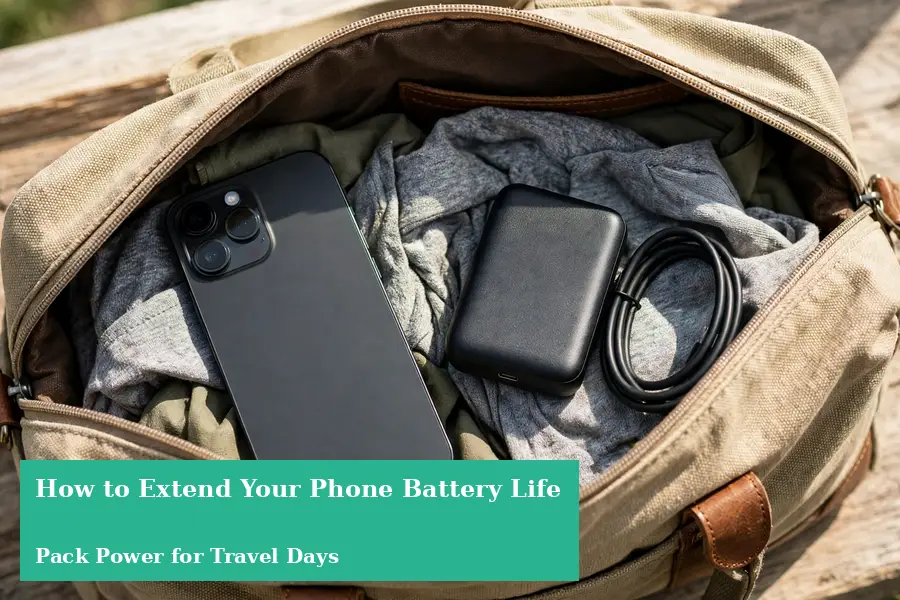
Plan travel days with battery in mind, since maps, photos, and video drain fast. A plan a trip guide helps you sort routes and stops before you leave. Charge fully the night before, and carry a small power bank for backup.
- Turn on power saving mode before you leave home.
- Download maps and music while you still have Wi-Fi.
- Lower brightness on trains, in cars, and outdoors.
- When you pack light for a week, keep the charger in one easy pocket.
When Settings Stop Helping
Sometimes no setting change brings back lost runtime, and that points to wear. Check the battery health figure in your phone settings if it shows one. A sharp fall from its new level means the battery itself has aged a lot.
Watch for early shutdowns, sudden drops, or swelling near the case edge. A phone that dies at a high charge level needs a repair check soon. A swollen battery needs care at once, so do not press or puncture it.
Ask a trusted repair shop or the phone maker about a battery replacement. A fresh battery can give an older phone years of useful life again. Compare the repair cost with a new phone before you decide either way.
A Simple Daily Phone Routine
Start the day with a full charge and power saving mode switched off. Use normal settings while you work, and watch brightness indoors first. Small choices in the morning set the tone for the whole day.
Check battery usage once at midday if the level falls fast. Turn off one drain, such as background refresh for a heavy app. At night, plug in somewhere cool and leave optimised charging on.
A guide to keep your devices safe pairs well with this routine for your phone. Safe habits and battery habits both reward a short daily check. Together they keep your phone useful, calm, and ready each morning.
- Morning: charge fully, set brightness, and check overnight drain.
- Midday: check usage, cut one heavy app drain, and use Wi-Fi.
- Evening: use power saving mode, then charge somewhere cool.
Phone Battery Questions, Answered
What is the fastest way to save phone battery today?
Lower brightness, shorten screen timeout, and switch on power saving mode now. These three changes cut the largest daily drains in minutes for most users. Check battery usage after a day to see which change helped most.
Does dark mode really save phone battery?
Dark mode helps most on phones with an OLED screen, where dark pixels use less power. On older LCD screens, the saving is small and may not show at all. Try it for a few days and compare usage before you keep it.
Should I charge my phone to 100 percent each night?
Charge to full when you need full runtime, such as before travel or a long day. For a normal day at home, optimised charging can slow the last part overnight. In short, how to extend your phone battery life starts with screen demand.
Is it bad to leave my phone charging overnight?
Overnight charging is common, and optimised charging now limits the harm for many phones. Heat still matters, so charge on a cool surface and out of direct sun. Remove a thick case if the phone feels warm during the charge.
Why does my phone battery drain fast in poor signal areas?
A phone in a weak zone keeps searching for a stronger signal through the day. That search uses radios again and again, even while the screen stays off. Use Wi-Fi where you can, or aeroplane mode for a short dead zone.
When should I replace my phone battery?
Replace the battery when runtime falls sharply despite good settings and cool charging. Early shutdowns and sudden drops also point to a worn battery cell. A trusted repair check can confirm wear before you pay for a new phone.
Give Your Phone an Easier Day, Starting Tonight
Follow these steps, and you will know how to extend your phone battery life. Start with the screen, then apps, then charging heat in that order. Keep the changes that fit your life, and drop the rest without guilt.
Tonight, set a short timeout, switch on optimised charging, and charge somewhere cool. Tomorrow, check usage once and cut the single largest drain you find. Your phone will thank you with hours that used to slip away.
